
An EPOS system for restaurants and bars
Control Suite takes the order, sends it to the kitchen, takes the payment and records the sale, and keeps stock, bookings and staff hours in step with it.
How it works, order to report
Here is one table's order through Control Suite in a restaurant.
Order
A server takes the order on iPad or iPhone, or the guest orders from a QR code on the table. Allergens show on every item.
Kitchen
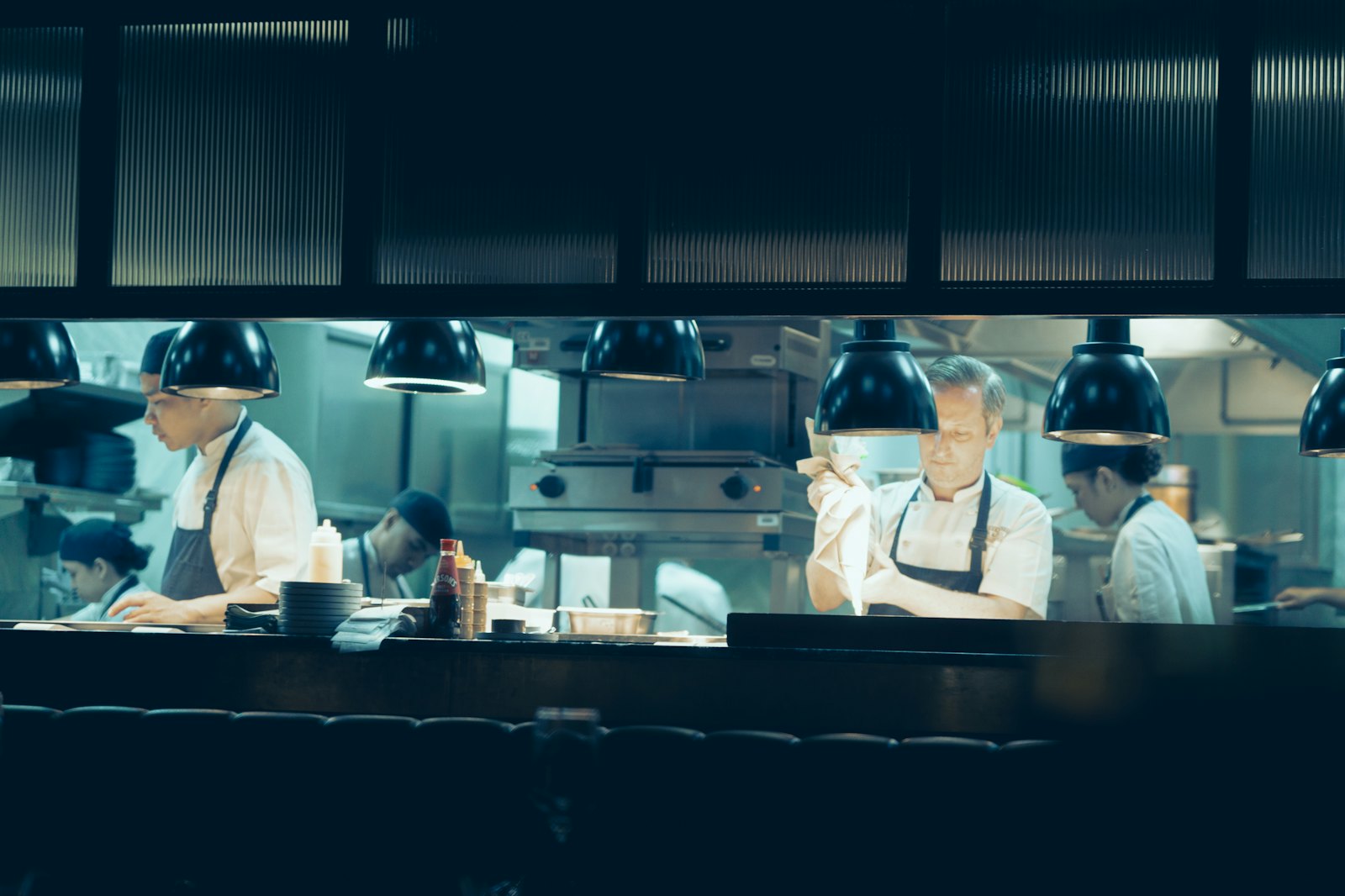
Food goes to the kitchen printer or screen, drinks to the bar, and each ticket clears as it goes out.
Payment
The bill is split if needed and paid by card on a PayPal POS reader, or at the table from the QR code.
Stock
Every item comes off stock as it sells, using recipes, so a cocktail takes the right measures.
Staff
Hours worked are tracked against the rota, with tips shared out for payroll.
Reports
Sales, margins and staff costs build up through the night, compared by week, month or site.
What comes with it
- Software: the till app, back office and reports
- Till: an iPad or iPhone, usually in a stand
- Card reader: contactless, chip and PIN and phone payments
- Printers and screens: receipts, kitchen tickets and kitchen screens
- Extras: bookings, stock, rotas, loyalty and customer messages
In Control Suite all of these come on one login. What a POS system includes and how a POS works in a restaurant.
Get the hardware free
Bars and restaurants taking £50k a month or more on card can apply for a free iPad, stand and card reader.